


Walkure Romanze More&More
Game Information
Developer
RicottaVersion
v1.0
Engine
Others
Release Date
Oct 25, 2013
Last Update
Oct 14, 2026
Censorship
Censored
Overview
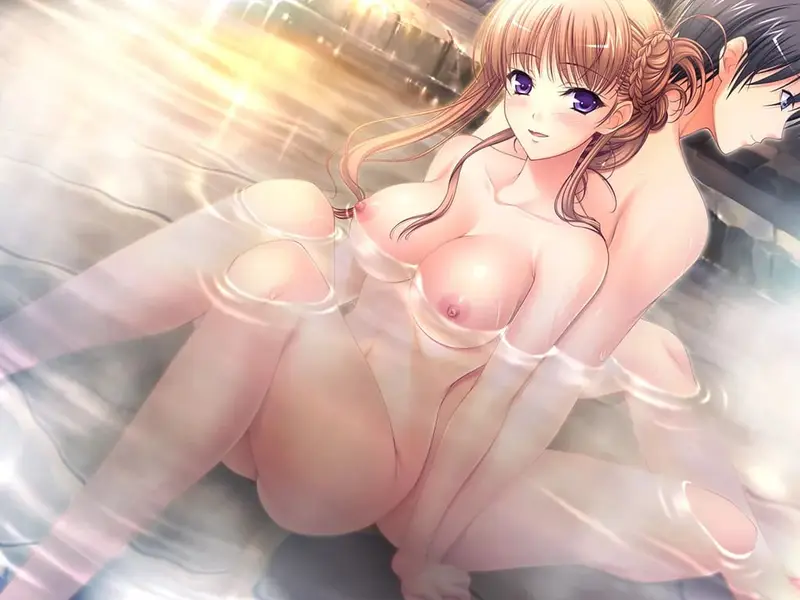
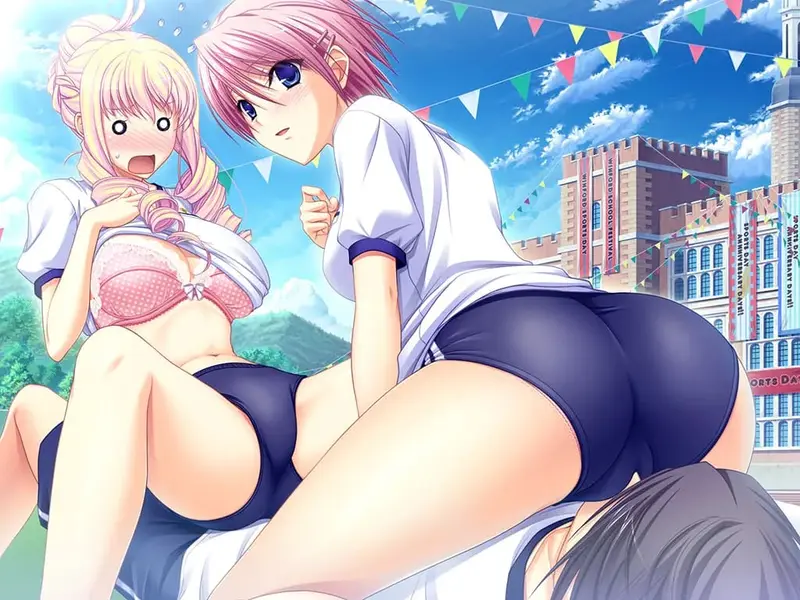
Walkure Romanze More&More is a visual novel fandisc for players who enjoyed the original knight-academy romance and want more time with its cast. The tone stays light and comedic, with jousting pageantry as a backdrop for personal moments.
Story
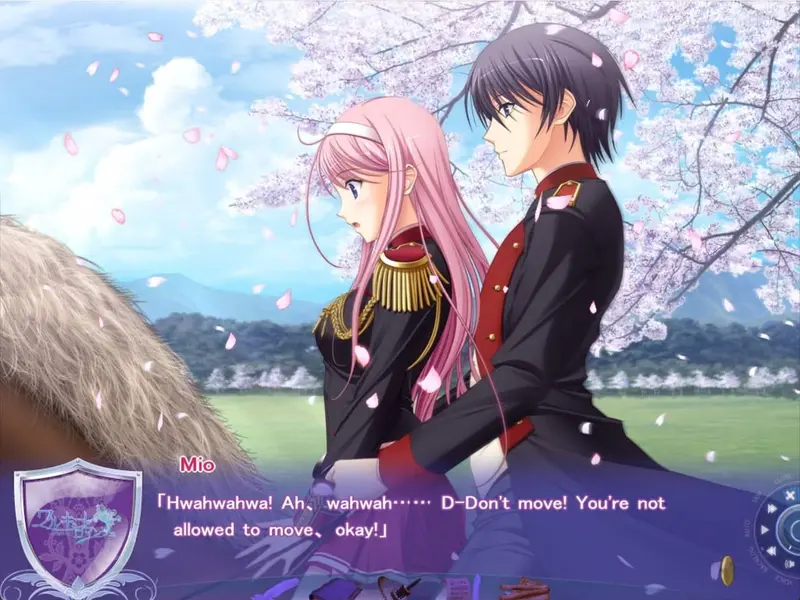
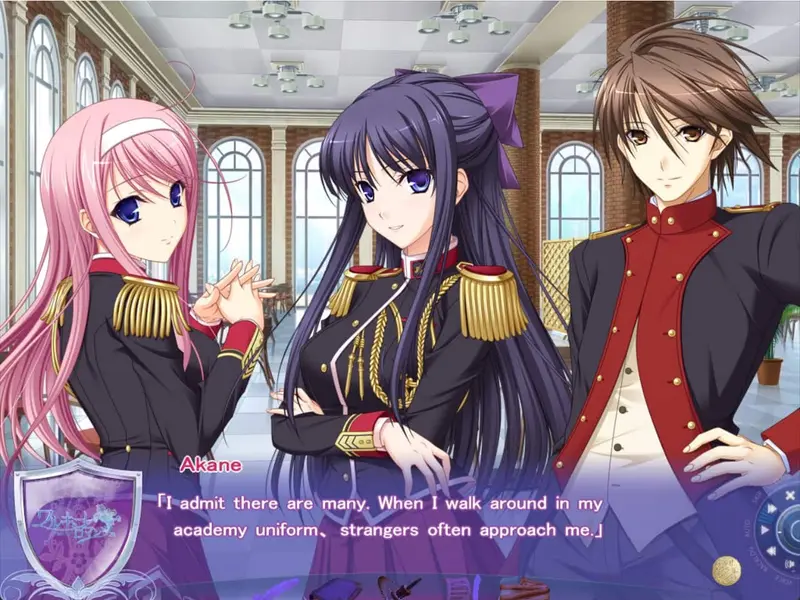
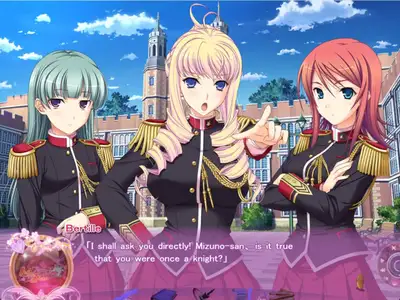
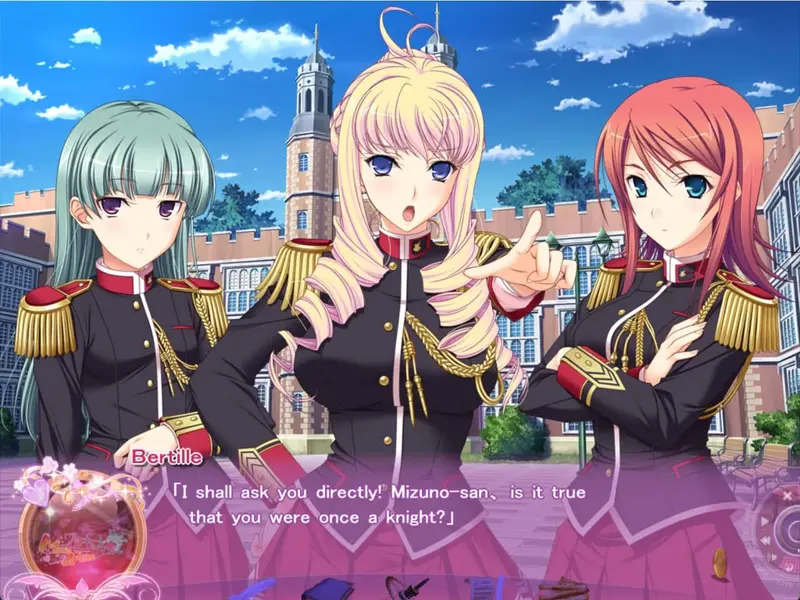
At Winford Academy, Takahiro finds himself drawn back into the world of jousting when his childhood friend Mio is challenged to a tournament match by the proud Bertille. Acting as her begleiter, he guides her to an unexpected victory, drawing attention from other students who take notice of his skill. Caught between returning to the arena as a knight or staying on as a begleiter, he has to figure out where he belongs in both competition and romance. The game expands on this setup with after-stories for the original four heroines and new full routes for Bertille, Ayako, and Akane.
Gameplay
Players move through branching visual novel scenes, making dialogue and decision choices that shift which heroine's story unfolds and how far it progresses. Jousting-related events tie into the narrative pacing, framing character interactions around the academy's tournament season. Multiple endings reward following through on a chosen heroine's arc, with routes varying between returning and new characters.
Features
- After-stories continuing the four heroines from the original Walkure Romanze
- Three new full character routes, including Bertille's
- Voiced scenes with 2D character art
- Comedic framing around jousting-themed school life
Installation
1. Extract and run.
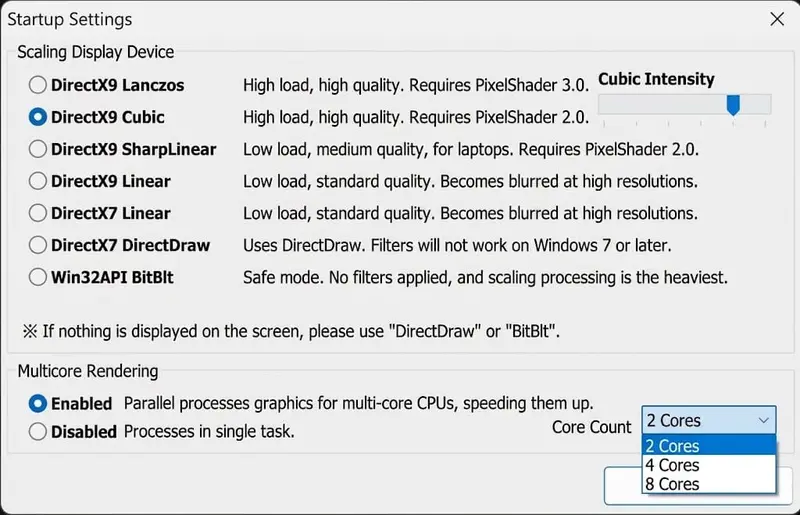
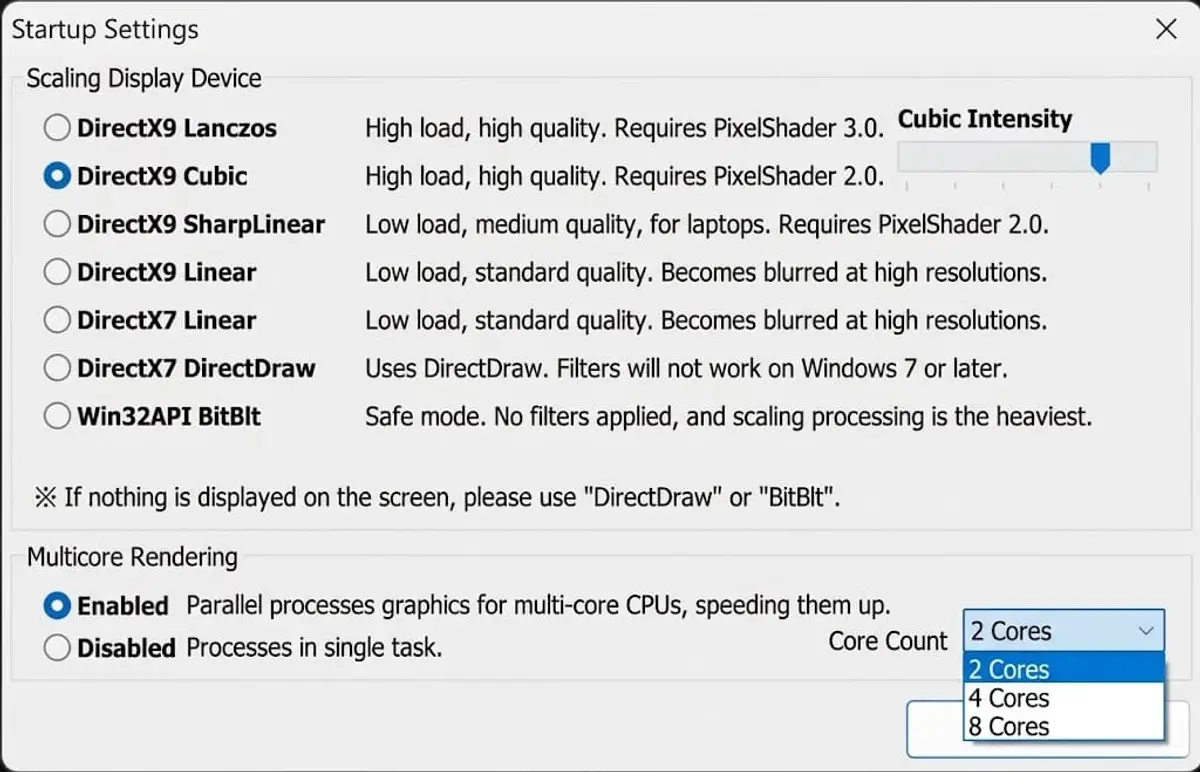
Startup Settings:
(This image was AI-translated)
When launching the game, this menu will appear (in Japanese if launched in Japanese locale or Locale emulator).
These settings are meant for compatibility. If the game isn't running properly for you, you can try changing the settings in this menu.
To disable this menu:
1. Go to \GameData\System and open config.txt
2. Look for "StartupBltDialog=1" (it's on line 18)
3. Change the 1 to 0. The line should now look exactly like this: StartupBltDialog=0
4. Save the changes
To re-enable it, simply change the number again.
UI elements are not translated. Check the spoiler above for info on the Startup settings.
You May Also Like


Lustline Utopia

Fate Won't Separate Us

World Tamer