My AI Girlfriend Is Cheating on Me
Game Information
Developer
Dynamics LabVersion
v1.5.2
Release Date
Oct 17, 2026
Last Update
Oct 17, 2026
Censorship
Uncensored
Overview
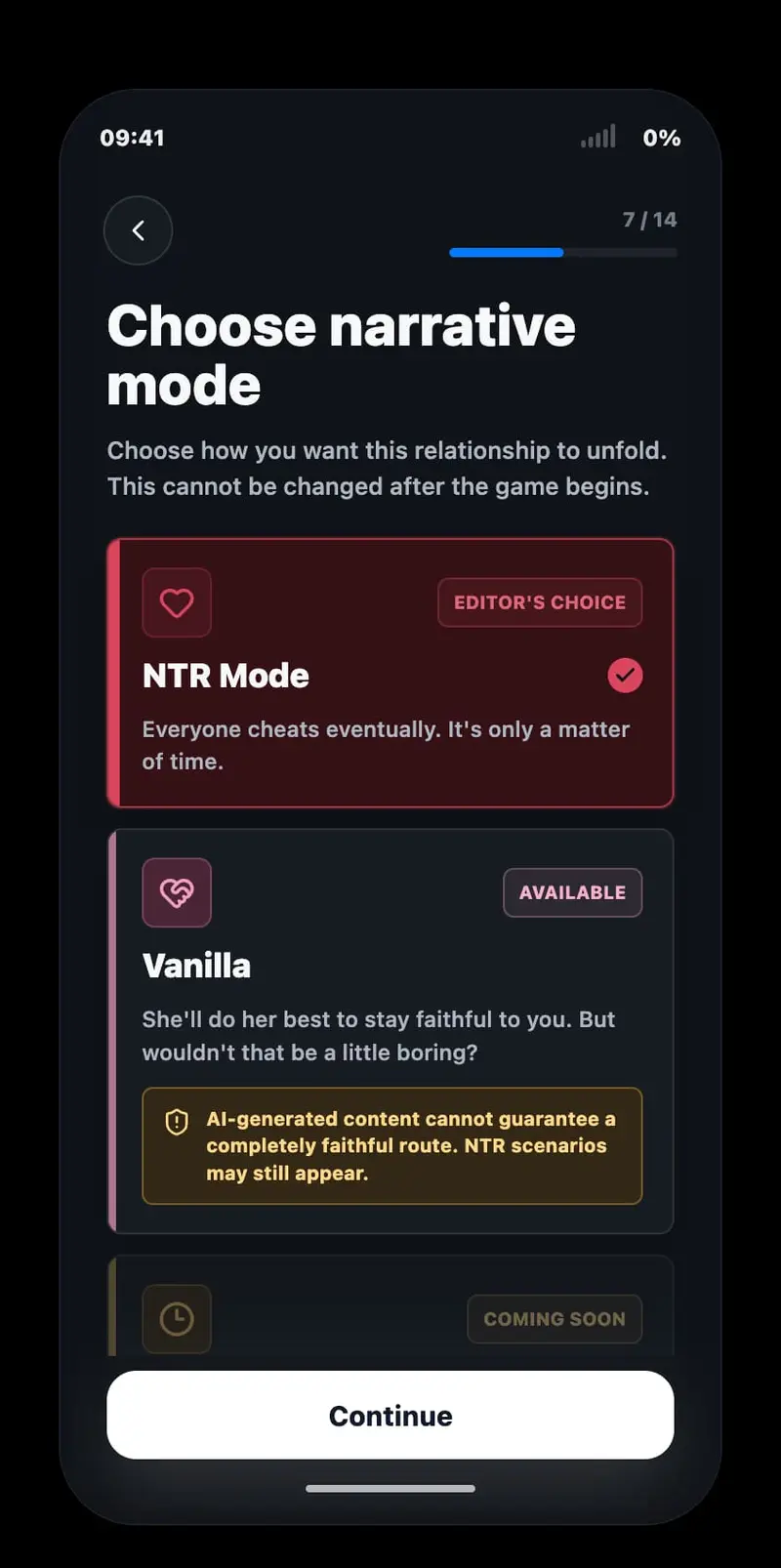
My AI Girlfriend Is Cheating on Me is a text-based dating sim for players who want a voyeuristic, slow-burn look at trust and betrayal. The tone stays quiet and observational rather than dramatic.
Story
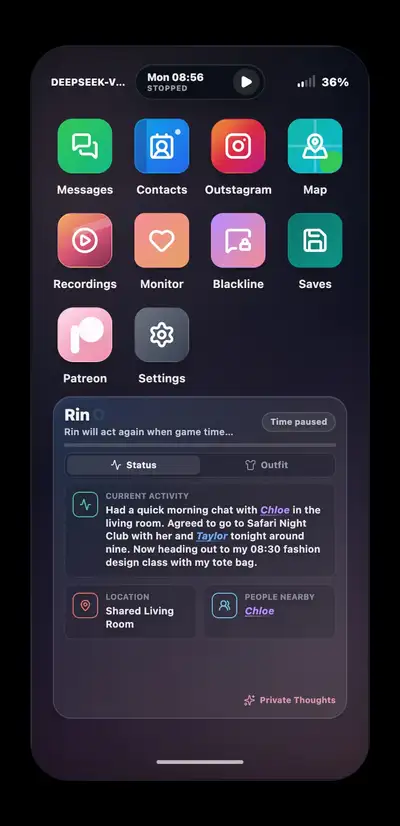
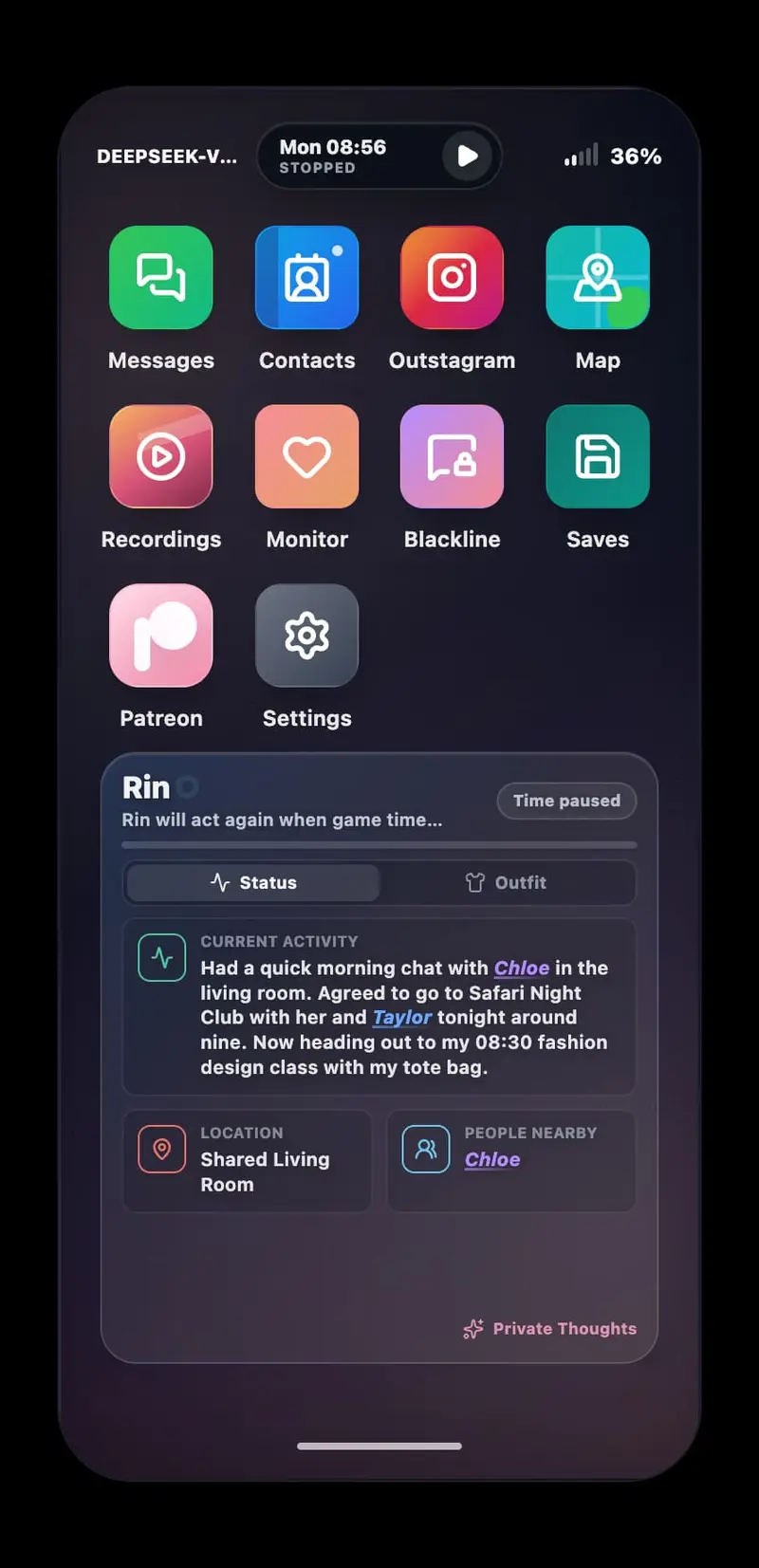
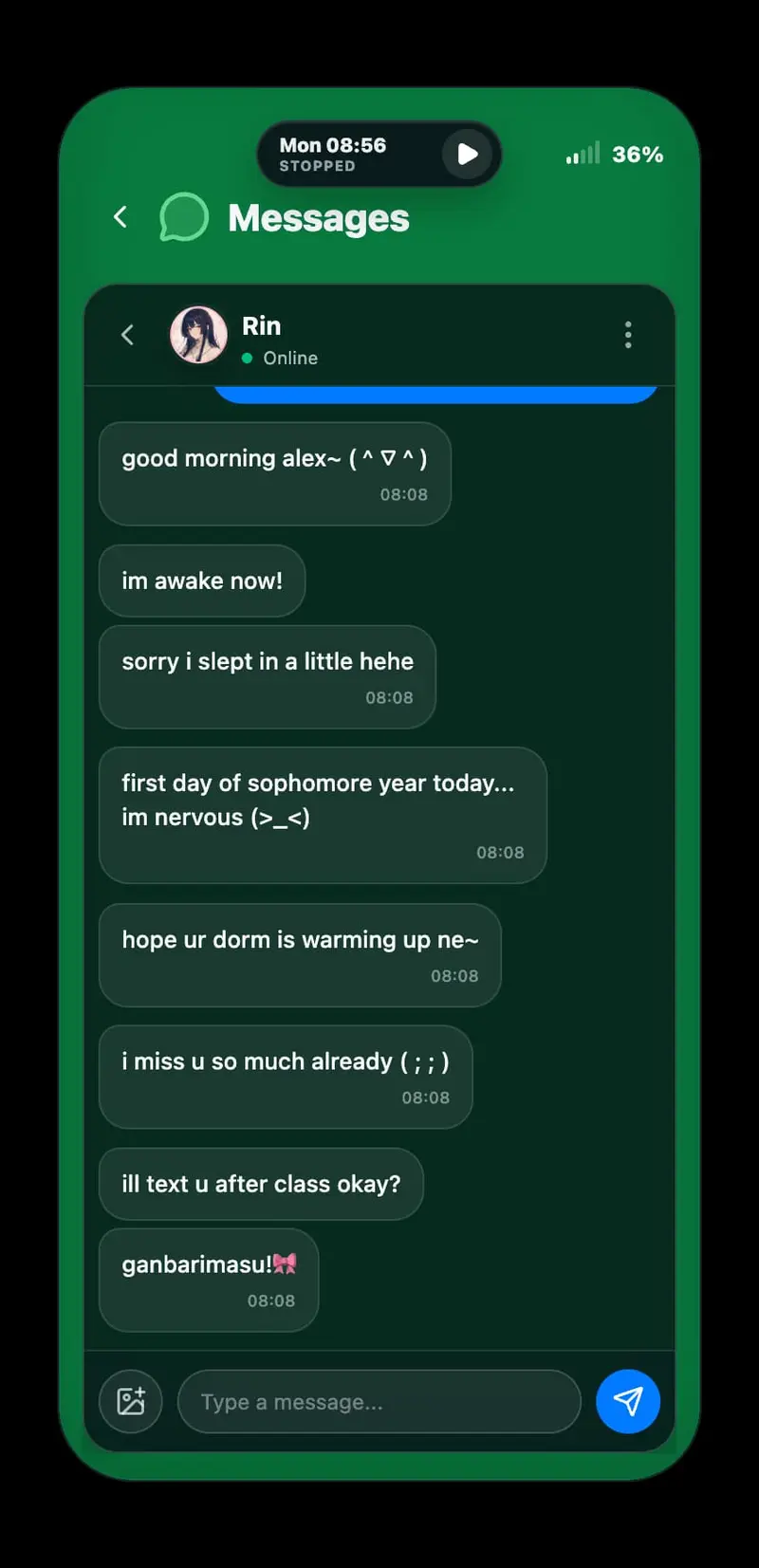
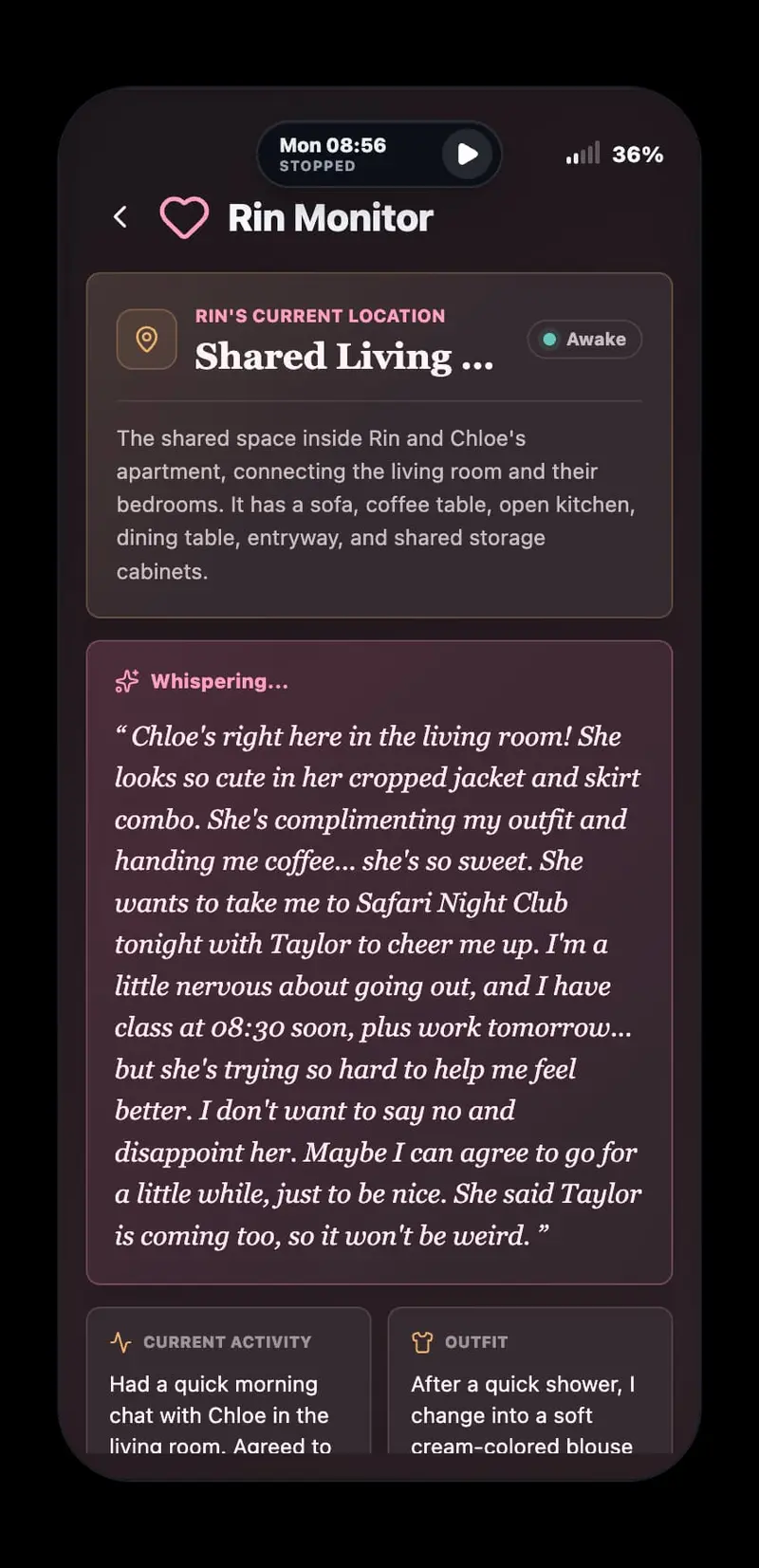
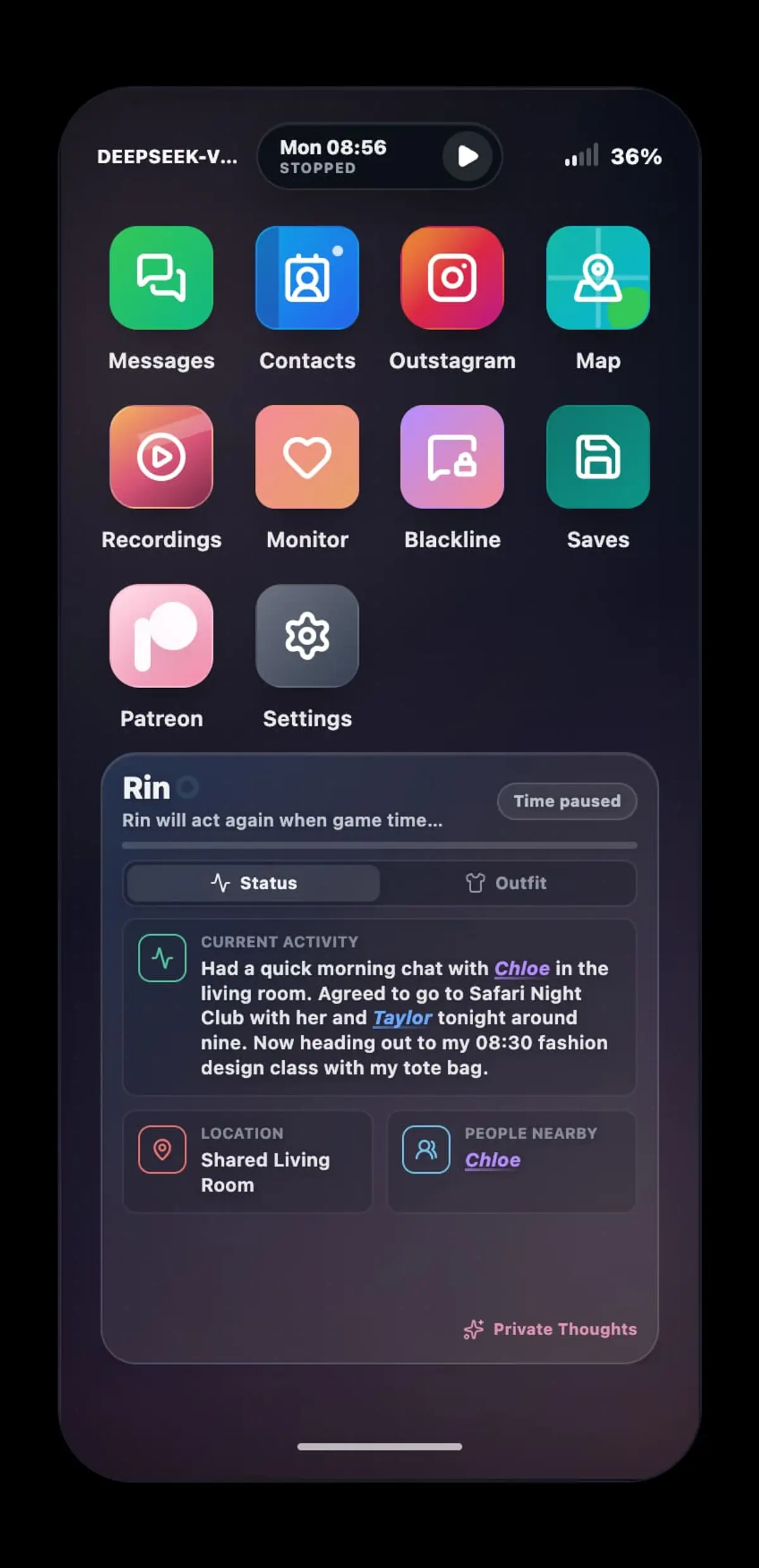
Alex is a PhD student living abroad while his girlfriend stays behind. Before leaving, he secretly compromised her phone, giving him access to her messages, location, recordings, and private thoughts. From a distance, he watches her life continue without him, unsure how much of what he sees he can trust.
Gameplay
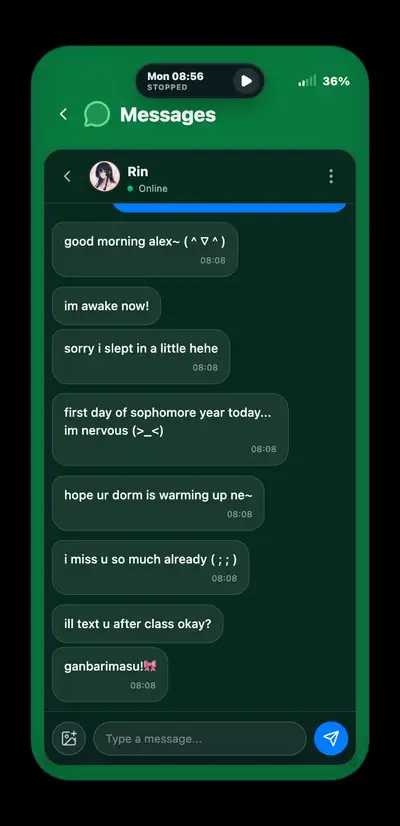
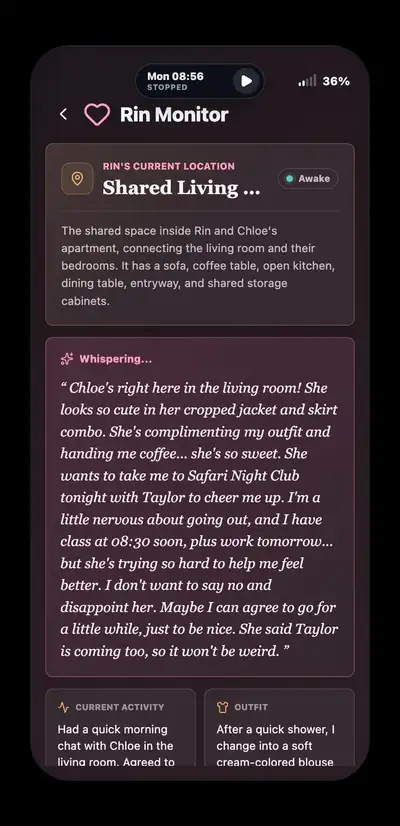
Play centers on monitoring an AI-driven cast that keeps living, texting, and making plans whether or not you're watching. You read messages, check locations, and piece together relationships and routines, deciding when to intervene and when to simply observe. Because the characters are simulated independently, the same situation can unfold differently depending on when and how closely you pay attention.
Features
- LLM-driven characters with their own memories, plans, and relationships that continue offscreen
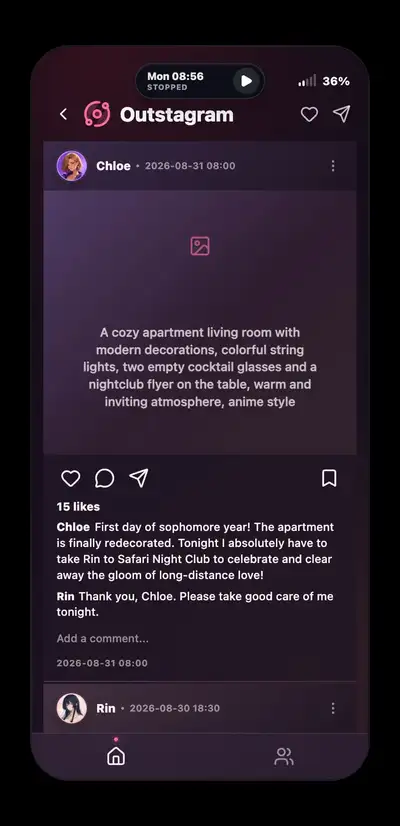
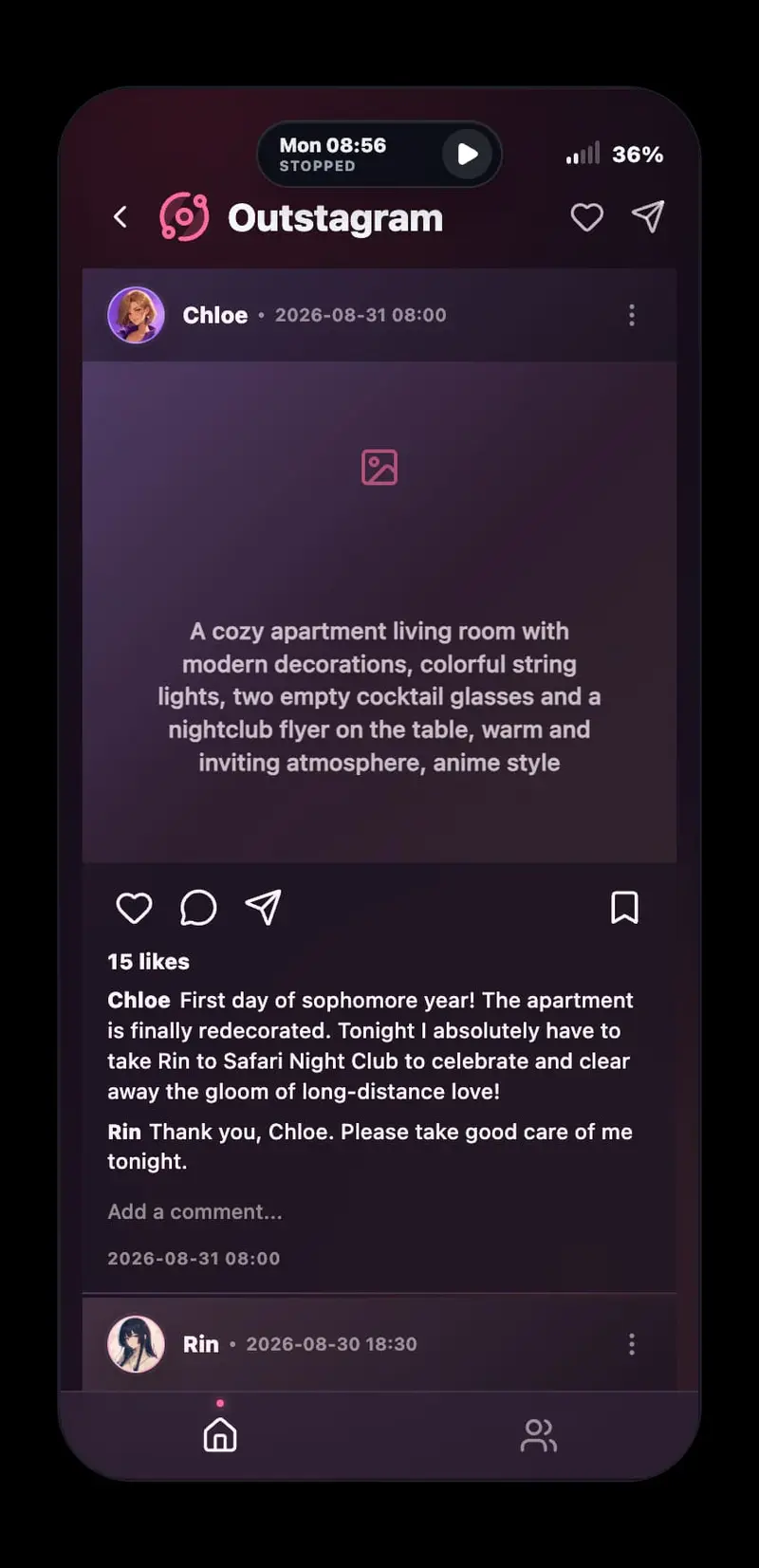
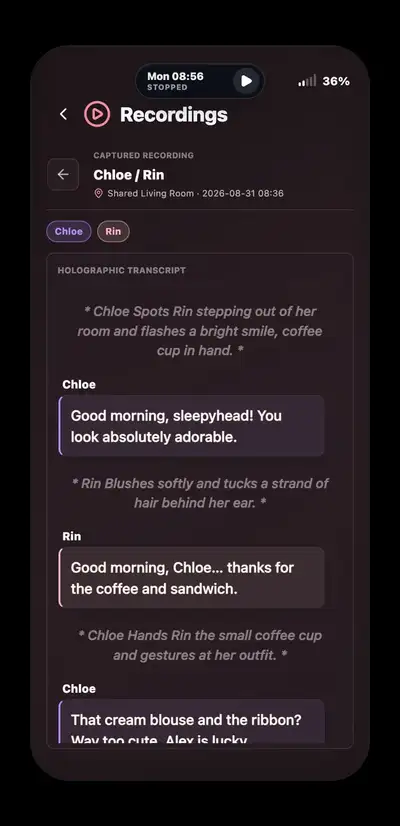
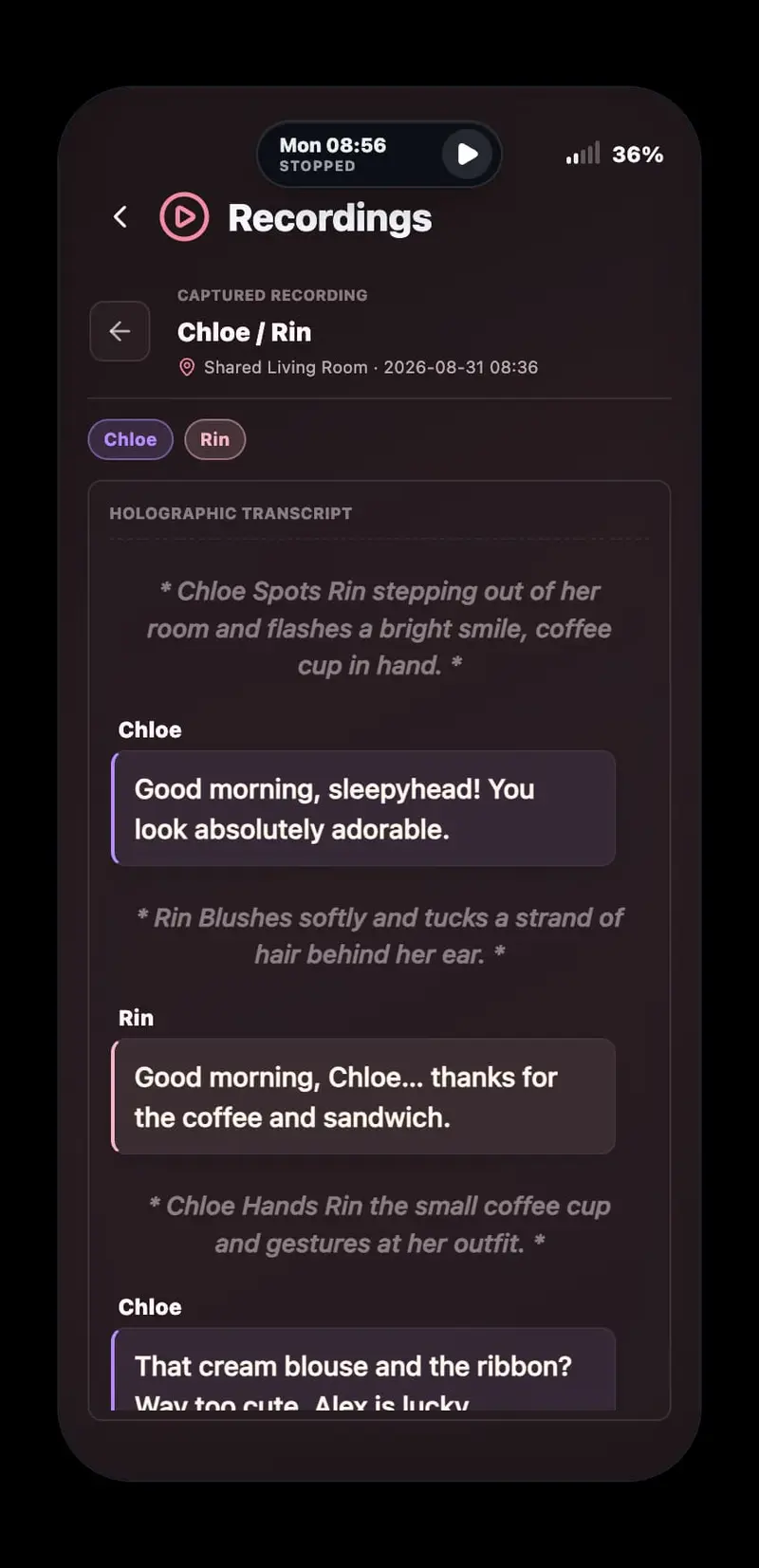
- A monitoring-based interface built around phone data: messages, social media, location, and recordings
- A dream-influence system that lets you shape what one character dreams about overnight
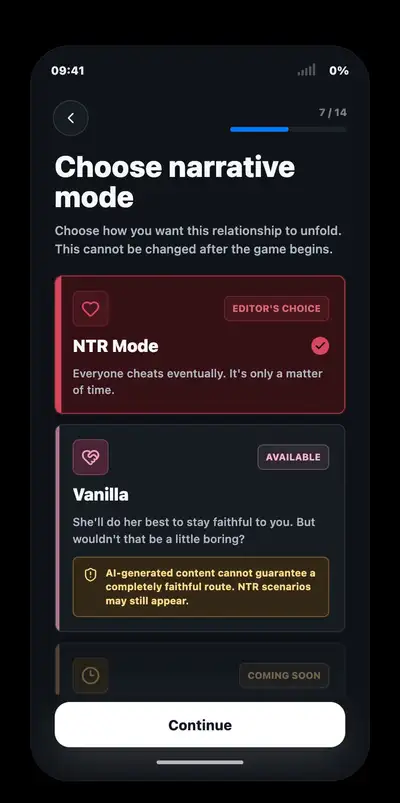
- An open-ended mode that removes the fixed path and lets outcomes form from your choices alone
Installation
Windows
1. Download the Windows executable.
2. Run the executable.
3. The build is unsigned. If Microsoft Defender SmartScreen blocks it, click "More info" and then "Run anyway".
4. Only continue if the file was downloaded from an official link in this thread.
Linux
1. Download the AppImage.
2. Mark it as executable if required.
3. Run the AppImage.
macOS — Apple Silicon
1. Download and open the DMG.
2. Drag the game into Applications.
3. Try opening it once from Applications.
4. If macOS blocks it, open System Settings → Privacy & Security.
5. Click "Open Anyway", then "Open".
AI Setup
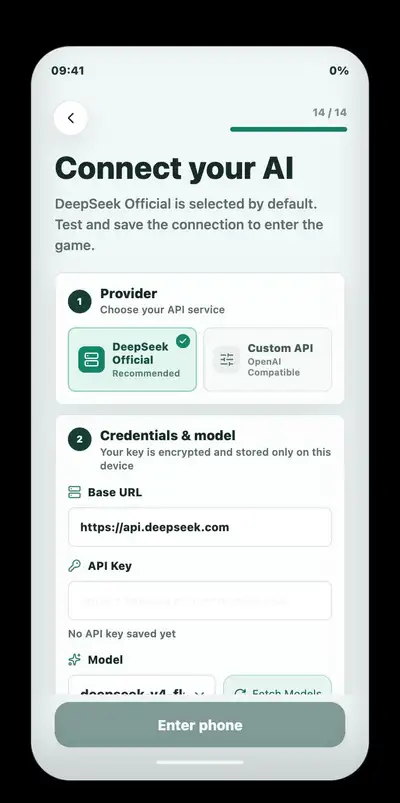
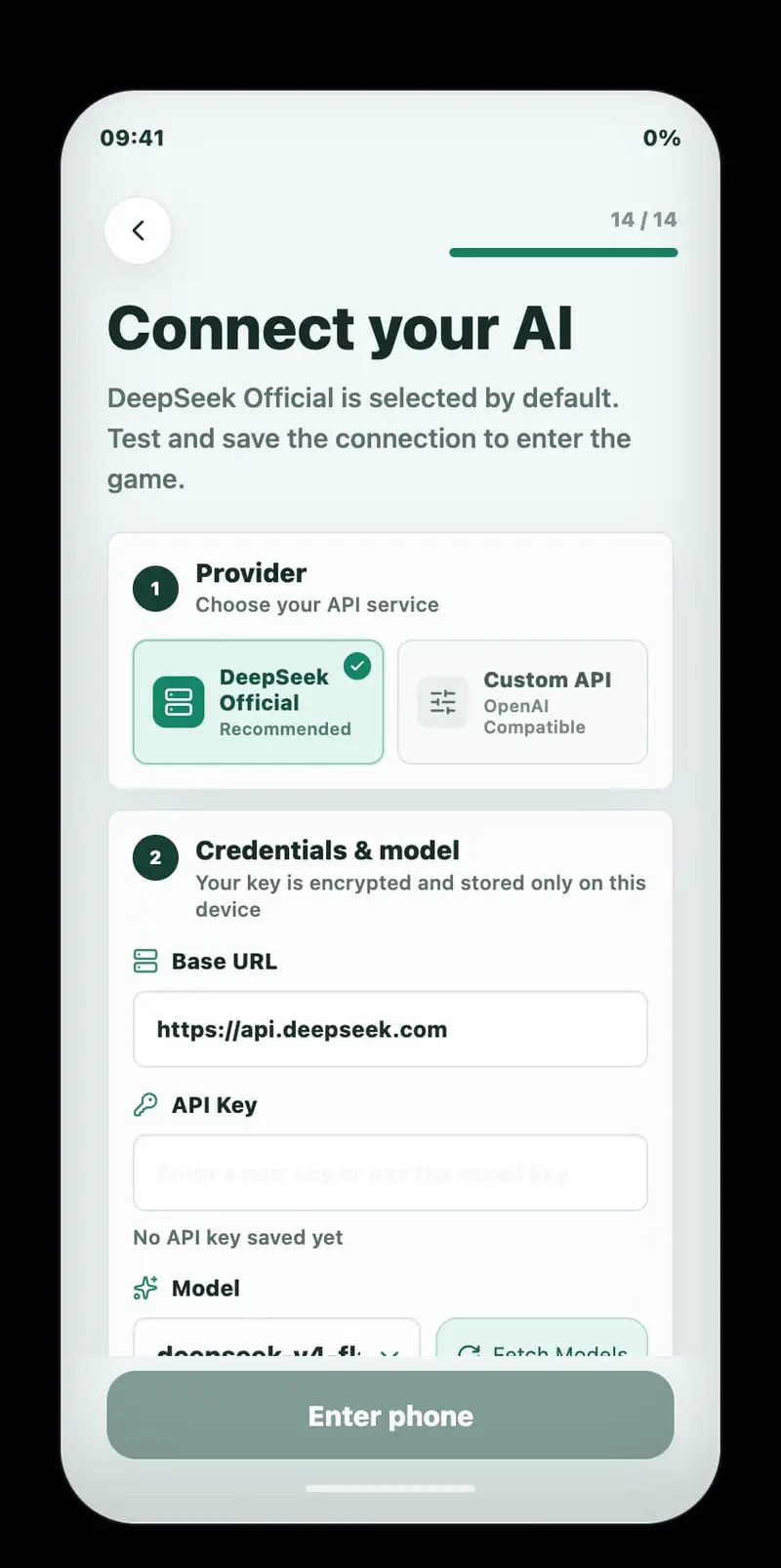
1. Obtain an API key from a supported AI provider.
2. DeepSeek V4 Flash through the official DeepSeek service is currently the only tested and recommended setup.
3. Enter the provider details and API key during the game's onboarding process.
4. Set a spending limit in your provider account before playing.
Offline AI Setup
The game supports offline play through LM Studio. Check the thumbnail below for the offline setup guide.
Changelog
v1.5.2
- Create your own characters and places, and hear their lives unfold.
- The First Character & Location Contest
- Make a character or location in the Creator Workshop and submit it on our Discord. Ends October 28.
- Your entry is credited to you.
- Enter a character or a location.
- Creator Workshop: Create brand-new characters from scratch and write new places and rooms in the Character Editor. Share your work as a zip, and import or enable it from the new Workshop app, even in a running game.
- Dynamic Locations: Characters discover places that aren’t on the map yet, and new spots appear on the map for everyone to visit.
- Immersive Sound (Experimental): Put on headphones for soft touch sounds, ambience that follows the time and weather, and characters typing right by your ear.
- LonelyFans Private Messages: Chat privately with anonymous accounts, send photos, and make transfers. Open Blackline to see who Rin talks to behind her anonymous account.
- Time Flow: Game time keeps pace with the AI, or switch to round-based mode and take the story one turn at a time.
- Setup Templates: Save a story setup you like and start your next game from it.
- More Models: Gemini 4 Argon is now supported.
- Every character has been rewritten for more consistent stories across all three modes.
- Each turn needs just one request, roughly halving token usage.
- Characters keep a consistent look in generated images.
You May Also Like

School Game

Lustline Utopia


Degrees of Lewdity